
Technical SEO agency
Our technical SEO agency finds and fixes the issues that stop Google from crawling, indexing, and ranking your pages. We use crawl data, Search Console, and speed tests to work out what's causing each one. Then we write up each fix for your developers or ours.
Technical SEO agency reviews
 4.9/ 598 reviews
 4.9/ 564 reviews
 5.0/ 560 reviews
 5.0/ 565 reviews












Your site with and without technical SEO
Technical SEO makes sure Google can find, read, and index the pages on your website. Content and links can only help a page rank once Google can reach it, so these fixes usually come first.
- We find stray noindex tags, blocked folders, and wrong canonicals in the crawl and fix them. The pages can then return to the index and start bringing in clicks again.
- We usually sort out the technical fixes first, so any new pages and links point at pages Google can read and rank.
- We prioritise each issue by how much traffic it affects. If the issue is in a template, one fix sorts it for every page that uses it.
- A leftover noindex tag, a blocked folder, or a wrong canonical can keep pages out of Google's index. Those pages can't bring in any clicks.
- New pages and links end up pointing at pages Google can't crawl or index, so they do very little for your rankings.
- Developers work through a long list of crawler warnings in any order. Many of those warnings make no difference to rankings.
Why choose Bird Marketing for technical SEO services
Most technical problems come down to Google struggling to find, read, or index your important pages. Our specialists track down the cause of each one and write it up in a way your developers can act on.
- Fixes checked once they're live
We check each fix on the live site and in Search Console once it's released. This way, you know the change has actually helped the pages it was meant to.
5,399 pages tracked in Nest.From Nest, 4 November 2026 - Part of a wider SEO campaign
The same SEO team can carry on with your content and links once the technical fixes are done, so you're not handing your campaign over to someone new.
63 SEO case studies.2.1x conversions from organic search, first year vs latest yearBeyond Print case study All SEO case studies - Developers on the same team
Our SEO specialists work alongside our own developers, so fixes can still go ahead when your development team is busy.
Technical fixes in our case studies
Most of our SEO campaigns include technical work, such as site migrations, crawl clean-ups, and indexing fixes on large sites.


organic new users in two years770,961 to 1,901,859


keywords ranking in Google's top 101,239 to 1,329
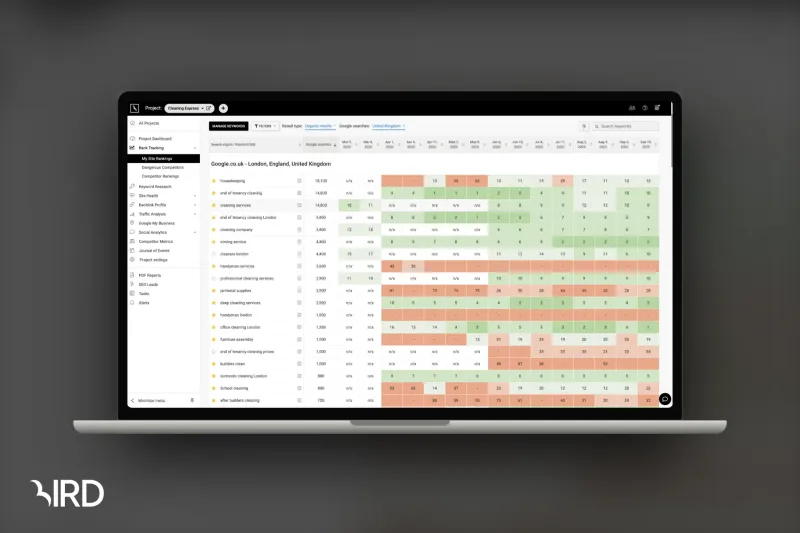

keywords ranking in Google's top 10478 to 1,274
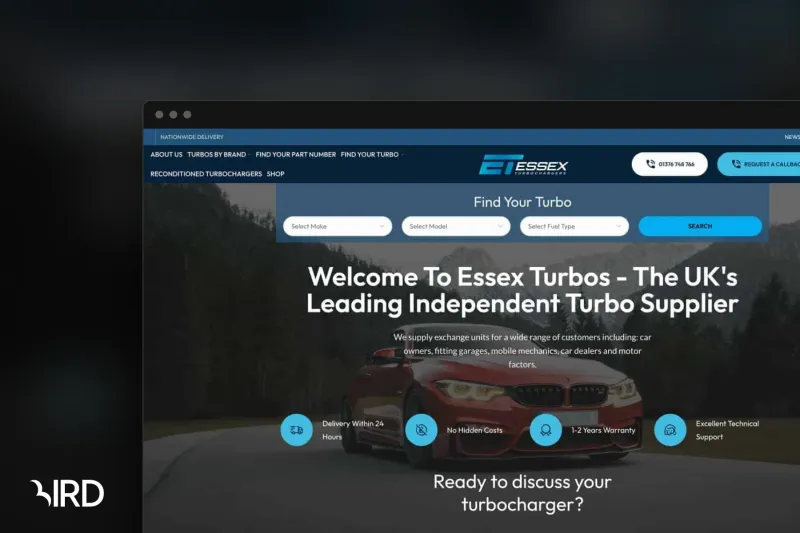

organic sessions, six months before vs six months after the new site5,418 to 20,665
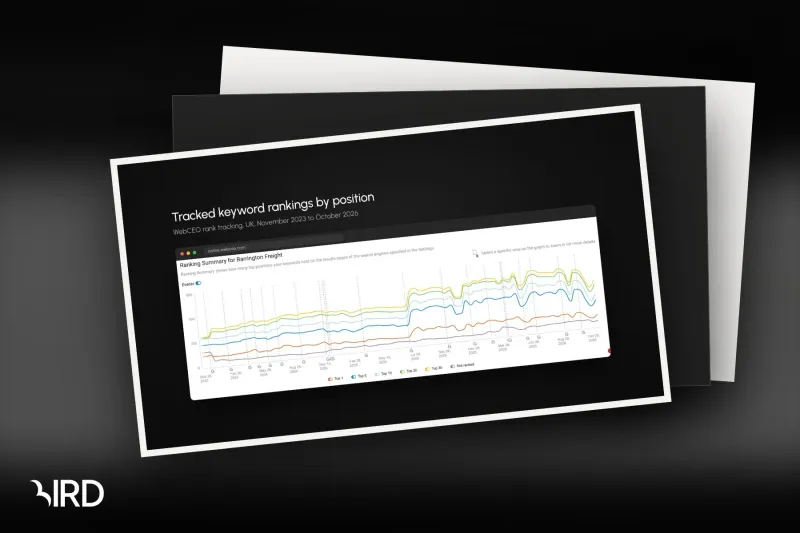

keywords ranking in Google's top 10112 to 620
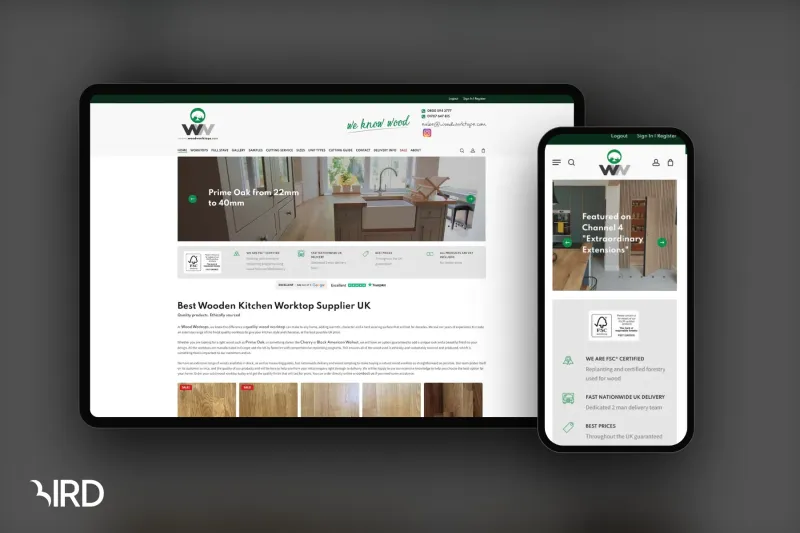

organic sessions, first year of SEO vs the latest year49,662 to 84,440


monthly Google clicks in six months, Nov 2023 to May 20241,866 to 2,545
Technical SEO services at each stage of indexing
Google has to find, crawl, render, and index a page before it decides where it ranks. If something goes wrong at one stage, it can hold back the others. Our technical SEO services find where the problem starts and fix it there.
Pick a stage or a symptom to see what we look for.
- Likely cause
- The pages are missing from the XML sitemap and few internal links reach them, so Googlebot finds them late or not at all.
- Evidence we collect
- Inlinks and click depth from the crawl, and the Search Console sitemaps report.
- Proof it's fixed
- URL Inspection shows the new pages discovered from the sitemap and indexed.
- Likely cause
- A robots.txt rule blocks the folder, often one carried over from a staging site or an old platform.
- Evidence we collect
- The robots.txt file, the blocked URLs in the crawl, and the Search Console page indexing report.
- Proof it's fixed
- URL Inspection reports the folder's pages as crawlable, and they return to the index.
- Likely cause
- URLs changed without redirects, internal links were removed, or a staging noindex was left on the live site.
- Evidence we collect
- A crawl compared with the last one before the update, and Search Console by date.
- Proof it's fixed
- Old URLs redirect in one hop and the pages return to the index.
- Likely cause
- The main copy and links load through JavaScript after the page renders, or only after a scroll or click.
- Evidence we collect
- The rendered HTML in URL Inspection beside the page source, and a crawl with JavaScript rendering on.
- Proof it's fixed
- The rendered HTML in URL Inspection shows the copy and the links.
- Likely cause
- A noindex tag, a canonical pointing elsewhere, or a page Google treats as a duplicate.
- Evidence we collect
- HTTP headers, the rendered HTML, URL Inspection, and similar pages on the site.
- Proof it's fixed
- URL Inspection shows the page indexed with the right canonical.
- Likely cause
- Real visitors are on slower phones and networks than the lab test, or use the page differently.
- Evidence we collect
- Search Console field data beside a repeatable lab test.
- Proof it's fixed
- The Core Web Vitals report shows the template as good.
- Your XML sitemap lists every page you want indexed
- The pages that sell sit a few clicks from the homepage, linked from categories and hubs
- Links from other sites point at live URLs
An orphan page with no internal links and no place in the sitemap can wait weeks to be found, or never be found at all.
Screaming Frog, Search Console sitemaps report
- Your robots.txt allows the folders that matter
- Pages return a 200 status with no server errors
- Redirects go straight to the final URL in one hop
- Filter and parameter URLs don't use up the crawl
A single robots.txt line can block a whole folder, and long redirect chains waste the visits Googlebot makes to your site.
Screaming Frog, Search Console crawl stats
- Copy and links appear in the rendered HTML
- JavaScript doesn't hide the main content
- Lazy-loaded sections load without a scroll or click
Google can index a page that looks almost empty if the main copy only appears after JavaScript runs.
URL Inspection, Screaming Frog with JavaScript rendering
- No stray noindex tag or X-Robots-Tag header
- Canonical tags point at the page itself or the right original
- Near-duplicate pages are merged or made distinct
A noindex left over from a staging site, or a canonical pointing elsewhere, keeps a page out of the index however good it is.
Bird noindex checker, URL Inspection
- Core Web Vitals pass on mobile in Search Console's field data, template by template
- Images, scripts, caching, and server response are tuned on the slowest templates
- Structured data and schema markup validate
- Your most important pages receive the most internal links
A slow template or broken schema markup won't stop a page being indexed, but it can hold it below competitors with similar content.
PageSpeed Insights, Rich Results Test
What we hand your developers
Our technical SEO company writes up each issue as a ticket for your developers. It sets out the pages affected, the evidence, and what the fix should do. A technical SEO consultant then checks the change once it's live.
Pick a step to see how the ticket looks at that point.
Crawling the site with Screaming Frog to record each URL's status code, canonical, links, and click depth, alongside your XML sitemap and robots.txt.
Checking Search Console to see which of those URLs Google has indexed, which it has skipped, and the reason it gives for each.
Writing the fault up as a ticket with the expected behaviour and how we'll check it, so a developer can start work on it straight away.
Checking the change on the live site with a recrawl or URL Inspection, to make sure the fix has worked.
- Affected URLs
- /services/kitchen-fitting/
- /services/bathroom-fitting/
- /services/kitchen-design/
- Full list attached from the crawl export
- Template
- Service page template
- Evidence
- The robots meta tag reads noindex, and Search Console lists the pages as excluded by the noindex tag.
- Expected behaviour
- Each page returns a 200 with index, follow and a self-referencing canonical.
- How we'll check
- A recrawl of the template, then URL Inspection on each page.
- Result
- Confirmed on the live site and recorded in Nest.
Every URL involved is listed, so nobody has to find the problem again before fixing it.
Most tech SEO faults sit in a template, so one change to it fixes every page that uses it.
The crawl and Search Console data go with the ticket, so a developer can see the fault for themselves.
The ticket says what the page should do once the fix is live.
The check is agreed when the ticket is written, before any work starts.
We only mark a fix as done once we've seen it working on the live site.
Our technical SEO specialists
Brett and the rest of our SEO team handle the audits, tickets, and checks for each technical SEO service. Our developers help with the larger tech SEO fixes when your own team is busy.








Brett on page speed and Core Web Vitals
Brett, our SEO executive, on when to start work on page speed.
We find it's best to make sure Google can find and index your pages before working on speed. Speed won't help a page Google can't see.
Technical SEO FAQs
Here are short answers to the questions we're asked most often.
What is technical SEO?
It's the work that helps search engines crawl, render, and index a website. It covers robots.txt, XML sitemaps, redirects, canonicals, page speed, Core Web Vitals, and structured data. Content and links can only help a page rank once Google can reach it.
What are technical SEO services?
Technical SEO services find and fix the issues that stop pages being crawled, indexed, or loading quickly. Ours start with a crawl and your Search Console data. Each fault becomes a ticket with the affected URLs, and we check every fix on the live site.
Why is technical SEO important?
A page Google can't crawl or index won't rank, however good its content is. A stray noindex tag or robots.txt rule can hide whole sections of a site. Fixing them can bring traffic back faster than new content would.
What is included in technical SEO?
The work covers crawling and indexing checks, robots.txt and XML sitemap rules, redirects, canonicals, JavaScript rendering, page speed, and schema markup. A full SEO campaign adds content, backlink, and competitor checks on top of these.
How do you work with a technical SEO specialist?
Start by giving a technical SEO specialist access to Search Console, Analytics, and a staging site. Agree who will make the fixes before the work starts. We write each ticket for your developers or ours, then check each change once it's live.
How do you choose a technical SEO agency?
Ask each technical SEO company how it would find out why a page isn't indexed, and what evidence it would show you. It's also worth asking to see an example ticket. A list of warnings without affected URLs or a way to check the fix rarely gets acted on.
No questions match that search.
Start your technical SEO project
- Tell us what you need
Share your website, the services you need and your goals.
- Get your proposal
Market research, the plan and every cost, set out in one document.
- Agree a scope
You’ll have a clear scope before work begins.