Traditional and headless content management systems
Take a team profile. An editor changes someone's job title in the CMS, and the CMS saves it. It then either builds the page through the site's own template, or sends the content through an API to a separate frontend that builds it.
In a traditional CMS, such as WordPress, the content and the templates that display it live in one system. Most small and medium-sized business websites work this way, and it's usually the simplest set-up to run. WordPress powers a big share of the world's websites, so help and plugins for it are easy to find.
A headless CMS only stores the content. A separate frontend, often built with a framework like Next.js or Astro, asks for that content through an API and builds the pages itself. Developers get more freedom over speed and design, but there are two systems to look after instead of one.
What to look for in a CMS
The best CMS is usually the one your team will happily use. Editing should be simple, with reusable blocks so people can build pages without breaking the design. You'll want user roles, so not everyone can publish, and a preview before anything goes live.
Behind the scenes, think about updates, backups, and security. A CMS with lots of plugins needs regular updates to stay safe. It's also worth checking how well it handles the SEO basics, such as page titles, meta descriptions, redirects, and sitemaps. If you're moving from one CMS to another, plan redirects for any addresses that change, so visitors and Google can still find your pages.
Content management systems our clients run themselves
On each of these builds, the client's own team being able to update the site was part of the brief.
- An editor the school's staff can use
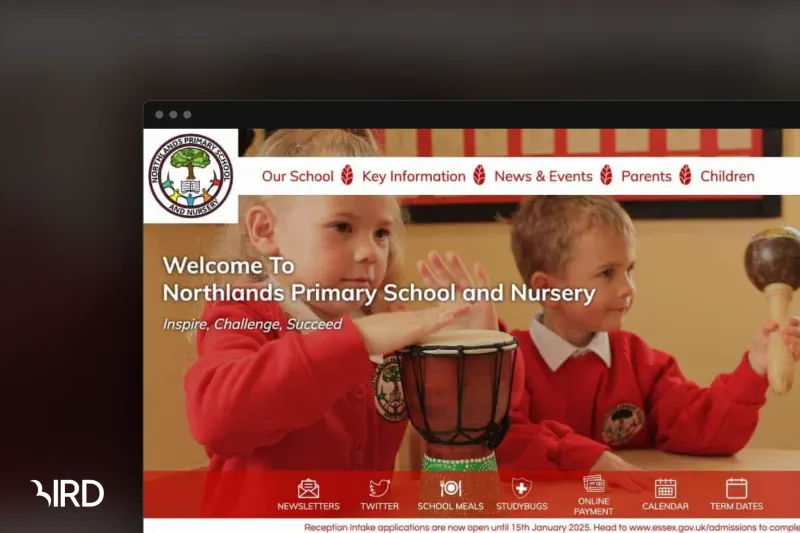
Staff at Northlands found their old content management system difficult to update. Our developers built a responsive site with a simple content editor and reusable page blocks, then trained the staff to use it.
- A CMS the team already knew
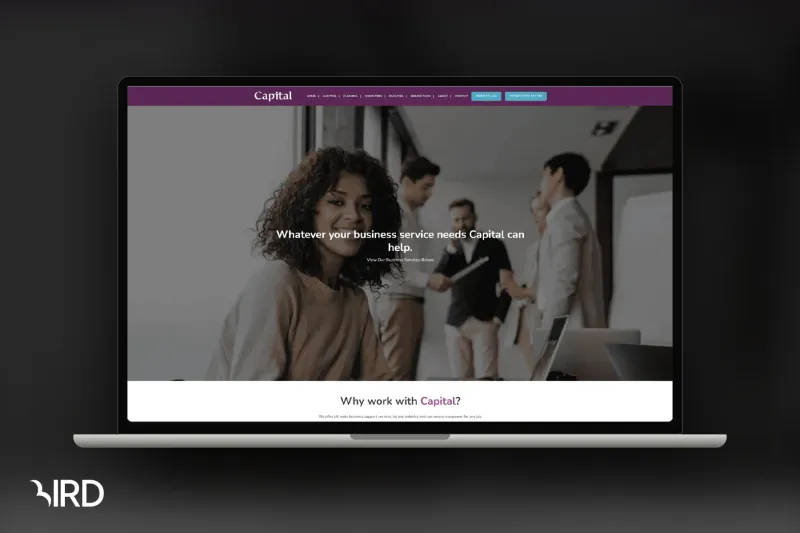
Capital's staff were already familiar with WordPress, so we designed and built its new website on it, alongside a customer portal. The business now has a modern site its own team can update.
- Reusable blocks for updates in-house
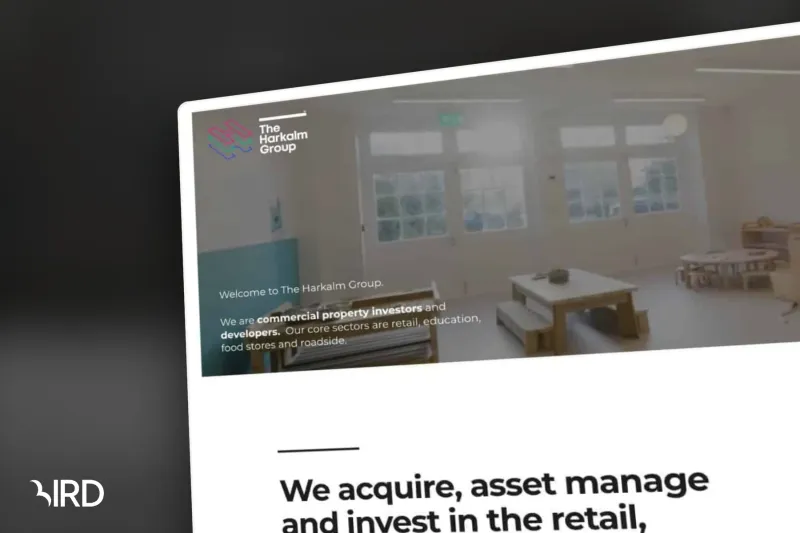
We built Harkalm's WordPress theme from reusable Gutenberg blocks. That keeps the design consistent, and the team can add service updates and case notes in-house without waiting for a developer.