The parts of a user interface on a form
An enquiry form is a good place to see UI at work, because every part has a job to do.
- Labels and Fields: the label stays visible above the field, and the field is big enough to tap on a phone.
- Focus States: a clear outline shows which field you're in, which matters a lot for anyone using a keyboard.
- Error Messages: they say what's wrong and how to fix it, right next to the field with the problem.
- Buttons: the label says what happens when you press it, such as Send Enquiry.
If one of these is missing, people get stuck, even when the form looks good.
- 01Label and fieldThe label stays visible above a field big enough to tap
- 02Focus stateA clear outline shows where you are
- 03Error messageSays what's wrong and how to fix it
- 04ButtonSays what happens when you press it
User interface design and UX
UI and UX are often mentioned together, and they overlap. UI is the screens and controls themselves. UX is the whole experience of using them, including whether people can find what they need and finish what they came to do. A polished interface can still give a poor experience if the steps are in the wrong order. On most projects, the UX work comes first and maps out the journeys, then UI design turns them into screens.
Accessibility in a user interface
Visual polish is only one part of a good interface. It also needs enough colour contrast to read easily, controls that work with a keyboard, and labels that screen readers can announce. These checks help everyone else too, such as someone reading a phone in bright sunlight. They're quick to build in during design, and much harder to add later.
User interface design in our builds
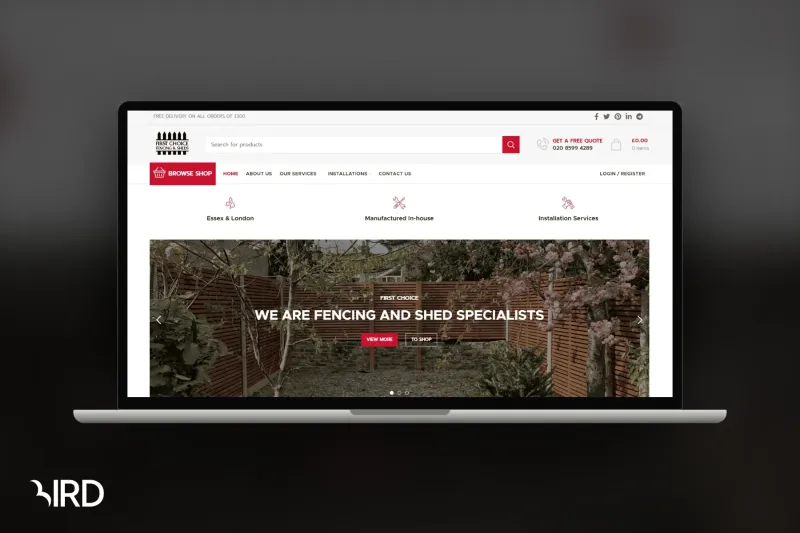
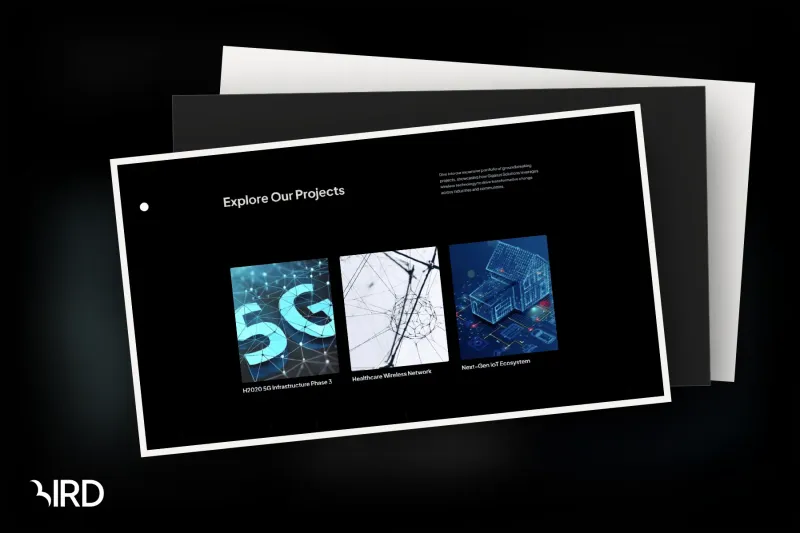
In both of these builds, small interface choices made a complex site easier to use.
- An app-style menu for phones
First Choice Fencing's site has a full shop, with user accounts and a checkout. To keep all of that usable on a phone, mobile visitors get an app-style menu at the bottom of the screen, where everything stays within easy reach.
- Calls to action that lead to contact
Gigasys Solutions does specialist wireless technology consultancy, which can be hard to explain. Its interface lets clients explore the services easily, with prominent calls to action leading to the contact form and testimonials throughout the site.