

What makes a call to action clear
On a service page, a good call to action does three jobs. The button names the action, such as "Get a project estimate". A short line says what you'll need to send, and another says what happens once you've pressed it.
Use a verb that says exactly what happens, such as "Book a call" or "Download the guide". Vague labels like "Submit" or "Click here" make people stop and think. It also helps to answer the obvious questions next to the button, such as how long a reply usually takes.
Keep to one main CTA per section. If a page asks people to call, email, download, and sign up all at once, many won't do any of them.
Send a few photos, rough measurements and your postcode.
- 1We review your photos
- 2We reply with any questions
- 3You get a written estimate
- 01The actionA button that says exactly what it does
- 02What's neededSo the visitor is ready before they start
- 03What happens nextNo guessing after they press it
Calls to action on Repair Rite and Gigasys Solutions
Both of these websites were planned around leading visitors to a clear call to action.
- Service cards that end at a CTA
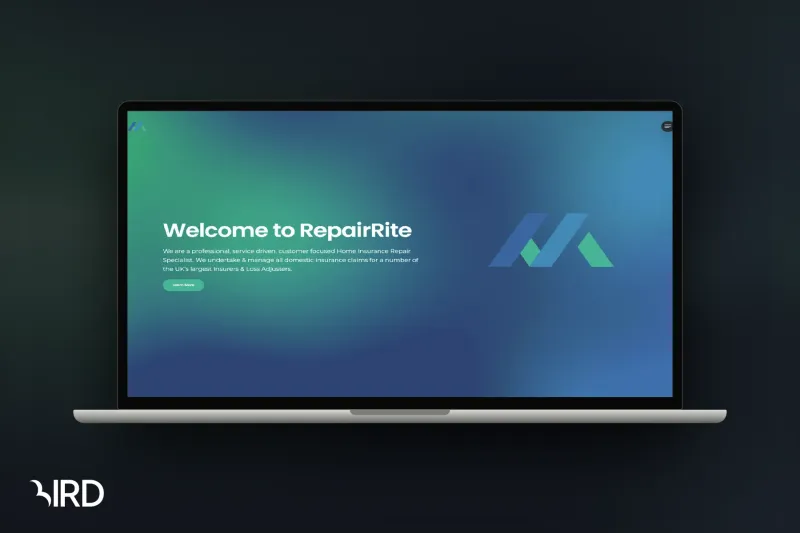
We built Repair Rite's website after its rebrand. Flash cards on the homepage link to a page for each service, and short text on each card leads visitors on to well-placed calls to action.
- Prominent CTAs to the contact form
Gigasys Solutions needed its services to be easy to explore. Our design work gave it an interface that leads visitors from each service to the contact form, with prominent calls to action and client testimonials along the way.



Where calls to action go on a page
Most pages need a CTA near the top for people who are ready, and another after the detail for people who need more convincing. Long pages can repeat it after the key sections. On a phone, a CTA that's always in reach, such as a sticky call button, often works well for local services.
The CTA should match where the visitor came from too. Someone who clicked an advert for a free quote expects to land on a quote form, rather than a general contact page.
Small changes to the wording or placement of a CTA can be tested against each other. A better button won't fix an offer people don't want, though, or a form that doesn't work. Check the whole journey first, from the click to the thank-you page.