

How negative keywords filter searches
Say you fit kitchens. Someone searching for kitchen fitter jobs wants work, not a new kitchen, so "jobs" makes a sensible negative. "Free" is another, if you never give anything away. Each search term is checked against your list, and any match keeps your ad off that search.
The catch is that a negative can be too broad. Add "cheap" and you'll also block cheap kitchen fitters near me, which could be someone ready to book. So it's worth thinking about every negative for a moment before it goes in.
kitchen fitters essexkitchen fitter jobsfree kitchen design softwarekitchen installation quotecheap kitchen fitters near me
-jobs-free-cheap
kitchen fitters essexkitchen installation quote
kitchen fitter jobsBlocked by -jobsfree kitchen design softwareBlocked by -freecheap kitchen fitters near meBlocked by -cheapA suitable customer, blocked
Negative keyword match types
Negatives have their own match types, and they behave a little differently from normal keywords. A broad match negative blocks any search that contains all of its words, in any order. A phrase match negative blocks searches with those words in that exact order. An exact match negative only blocks that precise search.
Negatives also don't stretch to close variants or misspellings. If you want to block both "job" and "jobs", you'll usually need to add each one.
Cutting wasted clicks in our PPC accounts
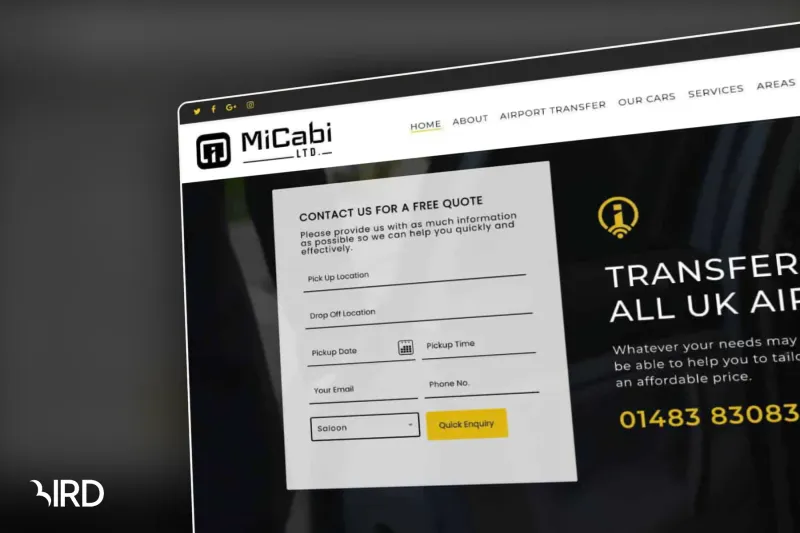
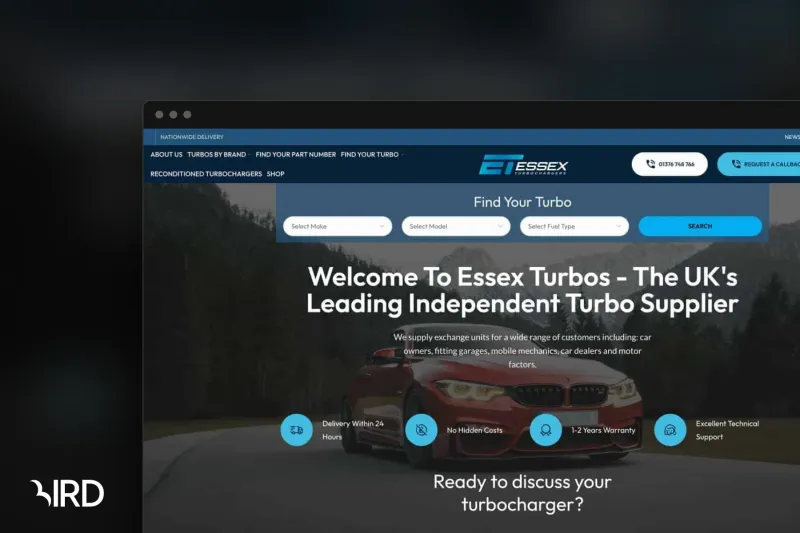
Blocking irrelevant searches was part of the PPC work on these two accounts.
- Negatives in a rebuilt taxi account
Micabi's old campaigns were broadly targeted, so clicks were going on irrelevant searches. Our PPC managers rebuilt the account around location and service ad groups, then added negative keywords to cut down the wasted spend.
- Low-intent turbo searches excluded
Essex Turbos' Google Ads campaigns were fragmented, and too many clicks went on low-value keywords. Our PPC specialists restructured the campaigns around the turbos that matter most and excluded low-intent searches.


Where your list of negatives comes from
Most lists start with a few obvious words, such as jobs, free, training, and DIY. After that, the best source is the search terms report. It shows the real searches your ads appeared for, and it's where most new negatives are found.
On a bigger account, shared lists of negatives save a lot of time. You build one list and apply it to several campaigns, so a word only has to be added once. It's still worth going back through the list now and then, as a negative that made sense last year can end up blocking a service you now offer.