

How GA4 measures events and key events
Everything in GA4 is an event. Some are collected automatically, such as page views, scrolls, and clicks to other websites. Others you set up yourself, often through Google Tag Manager, such as a form being sent or a call button being pressed.
The events that matter most to your business can be marked as key events. GA4 used to call these conversions. Marking a completed enquiry or a purchase as a key event lets you see which channels and campaigns bring them in.
In practice, a typical events report lists page views, scrolls, and form starts, with a completed enquiry marked as a key event. Beside it, a table shows visits by campaign source. Some visits never show up at all, because the visitor declined cookies or uses a blocker.
Google Analytics on Snappic and Fractal Systems
Analytics shaped both of these projects, once to measure growth and once to show what needed fixing.
- Custom events for sign-ups and purchases
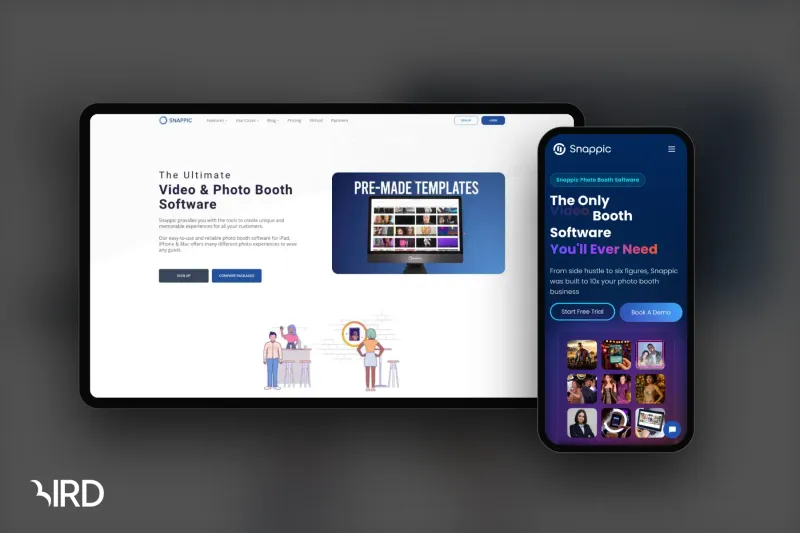
Snappic sells photo booth software packages through its online portal. We set up GA4 tracking with custom events for sign-ups and purchases, so both SEO and PPC are judged on what they bring in.
- Analytics that made the case for a new site
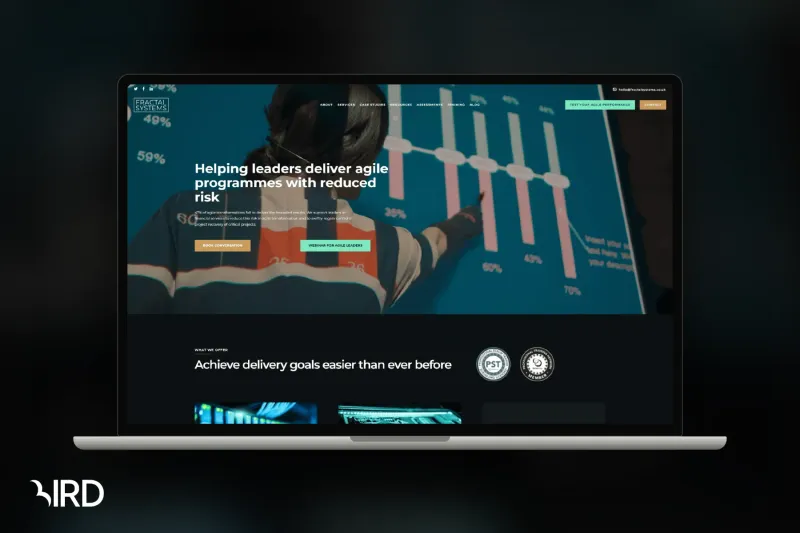
Fractal Systems felt its online presence needed revamping. Insights from Google Analytics made us sure the old website was putting companies off getting in touch, which shaped the brief for the new one.


What Google Analytics 4 can't see
Analytics only counts what it's allowed to record. Visitors who decline cookies, use ad blockers, or have strict privacy settings are partly or fully missing. Google's consent mode can fill some of the gaps with modelling, but the totals will still be lower than your real number of visitors.
That's why GA4 figures rarely match your sales system or your Search Console clicks exactly. It's best used for trends and comparisons.
Getting more out of GA4
Tag your campaign links with UTM parameters, so email, social, and paid traffic land in the right channel. Link GA4 to Google Ads and Search Console. Then check that each key event fires once, and only when the action is actually complete.